Appointments that fit your work
Your services, durations and available staff, including preparation time and breaks.
Eazlee · Fitness
Present tours, individual equipment instruction and guided training. Let visitors choose an available instructor and time.
Keep your current website. Use the appointments app independently and connect online booking through your own booking link or verified installation script.
No account needed. Try with fictional details.
See how a customer booking appears in your calendar. Choose a service and time in the booking card, then try the example.
Individual equipment instruction
Fictional customer · Noor
Available time
Booking page for your customer

Studio Fit
30 min€15.00
Fictional illustration. Prices and times are examples.
Your services, durations and available staff, including preparation time and breaks.
View appointments and customer context together. Decide which information your team needs.
Enable the website, shop and messaging only where they fit your business.
Studio Fit · Fictional example
Explore a matching product range in the demo. Your own catalogue, photos and prices are entirely up to you.
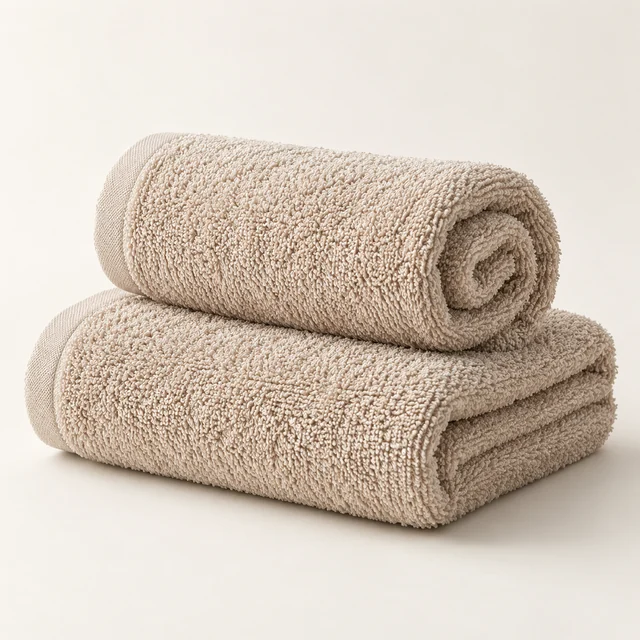
€14.95 · example
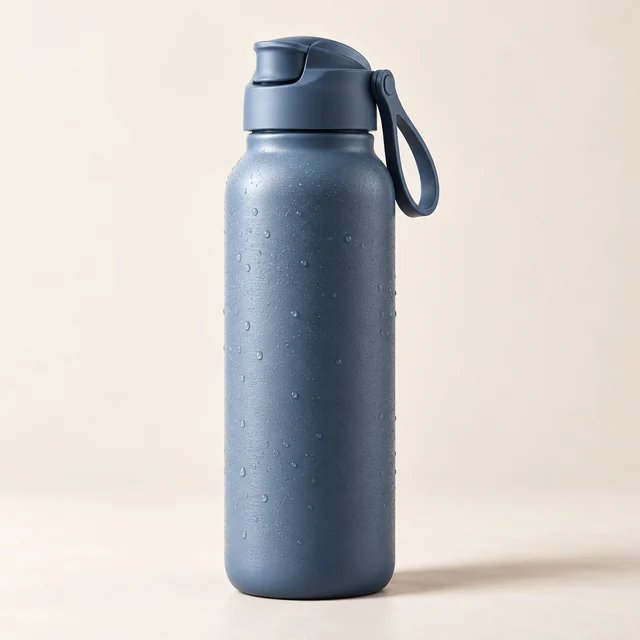
€19.95 · example
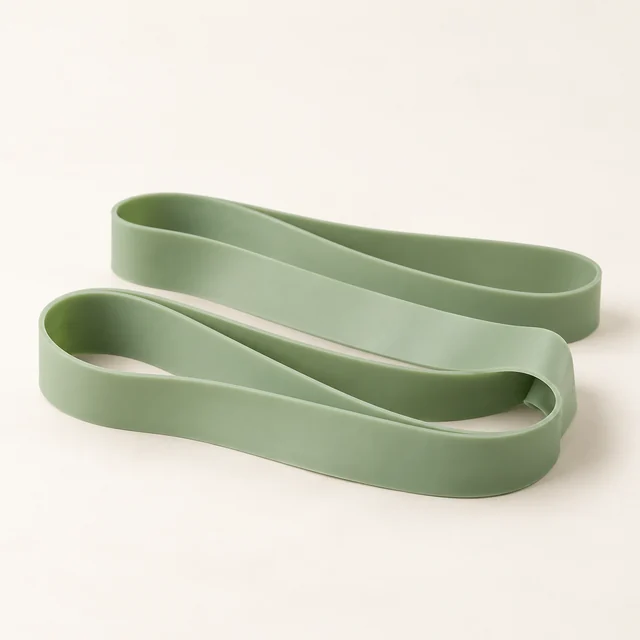
€24.95 · example

€12.95 · example
Fictional brand and AI-created product photos. No real products are sold on this page.
Explore this business in the demoThe Studio Fit example offers the following services. Each appointment uses the configured duration, price and available fitness instructor. Adjust the offering to your own business later.
All prices and durations below are fictional demo settings, not advice or fixed Eazlee rates.
30 min · €15.00
45 min · €35.00
60 min · €55.00
30 min · €30.00
45 min · €40.00
30 min · €25.00
Give tour and introduction and individual equipment instruction their own duration and price. Link services to staff and allow preparation or cleanup time.
Set working hours and breaks. Choose a staff member in the demo, view the daily calendar and try booking or rescheduling an appointment. Scheduling checks available time.
Fictional preference: individual instruction at a quiet time. The demo uses fictional customers and displays appointments and private notes. Before real use, determine which information is necessary and who may access it.
Explore gym towel, water bottle, fitness band, training journal. View fictional stock and product details and practise a collection order. The product shop is an optional part of your own setup.
This demo schedules individual appointments; no group-class capacity, membership access or entry gates. Real payment, messaging and calendar integrations remain deferred separately and are not activated by this demo.
Your website, your style
Keep your current website, or choose a complete Eazlee design. Explore the pages below; your chosen design and suitable apps are prepared when you start.
Discover the training, guidance and atmosphere that suit you. Begin with an introduction and ask the questions that matter to your start.
Explore this websiteExplore calm and active movement formats, with attention to technique and how a session feels for you.
Explore this websiteChoose your way to move: independently, together or with guidance. Discover the atmosphere and discuss how you want to begin.
Explore this websiteThe appointments app can be configured independently. For online booking, choose a hosted booking page or the verified installation on your existing website. A new website is a separate choice.
It opens Studio Fit with its own services, calendar, customer notes and products. Switching starts a new fictional example; earlier edits are not carried over. This does not configure a real business automatically.


